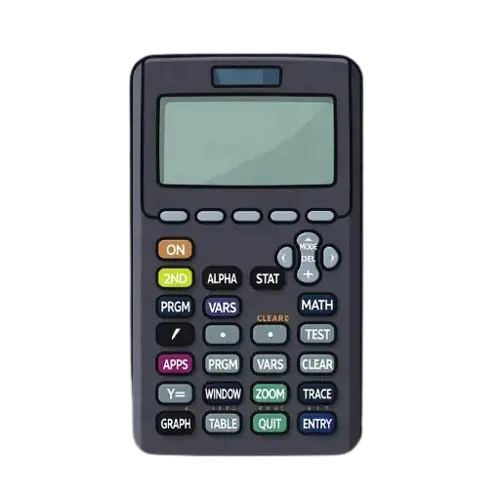

How to use the TI-84 Calculator in SAT or ACT exams? (Guide)

The SAT and ACT exams are approaching, and you’re worried about doing complex calculations in less time. Don’t worry, there is something that can do complex math in seconds, but you know what is more surprising? You will be allowed to take it in the examination hall. Yes, you can take your TI-84 Calculator along with you for these exams. So you need not worry about graphing equations, solving functions, or analyzing data when this smart tool is with you, but you need to make yourself aware of how to use ti-84 calculator in SAT and ACT exams. This guide will help you know features that will be useful during exams so you will take full benefit of this ti84.
Why Is the TI-84 Calculator Allowed to use in SAT and ACT?
When there will be many restrictions during these exams, why the TI-84 is still allowed is a question that has hit many students’ heads many times. You will be amazed by knowing that it’s allowed because of its powerful features but also its ability to function without wireless communication, so it’s really suitable for students’ help but still does not facilitate any chance of cheating. Princeton Review explained it as one of the most trusted calculators for college entrance exams because of its fantastic performance and capacity.
TI-84 Calculator Settings Before Exams
When you are preparing yourself for exams, make sure to prepare your TI-84 as well by doing its essential settings before exams so you will use ti-84 calculator in SAT or ACT more effectively. Your teachers will also want you to do these settings; it will be a must to do. Following are important settings for this calculator that you should do and double-check.
Set it to Degree Mode
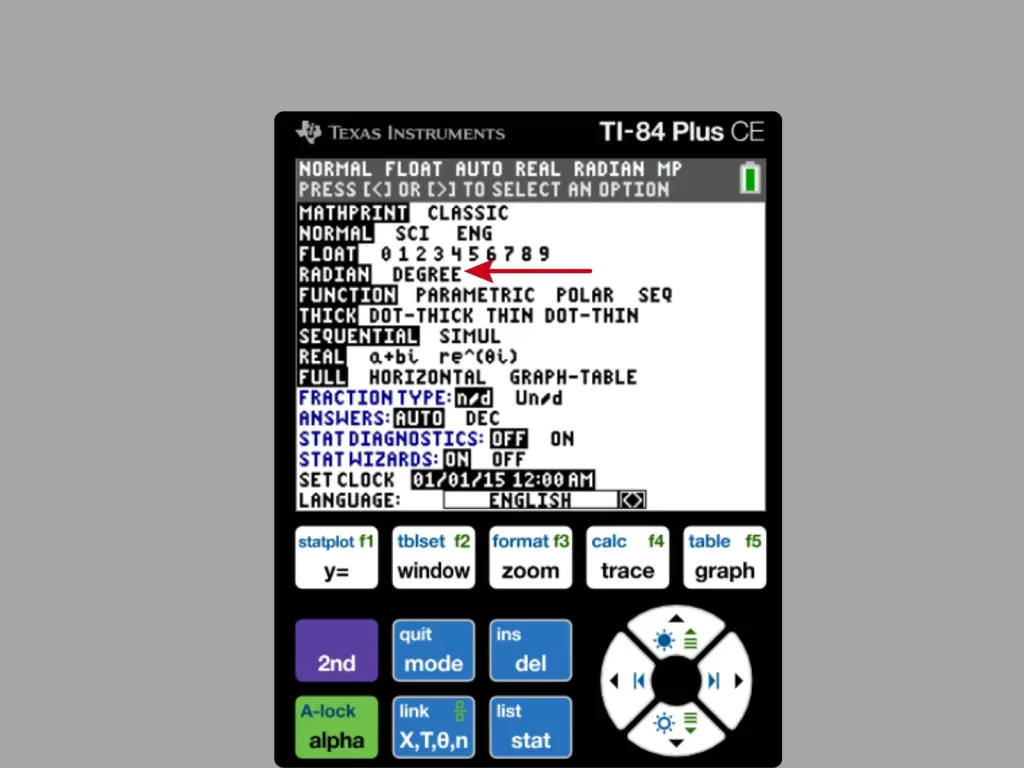
Check if your calculator is on degree mode or radian mode. If it’s on radian, then put it on degree mode. For this you need to press the Mode button and then the down arrow and select the degree, and lastly press the Enter button. Your device should be in this mode to perform trigonometry functions like sine, cos, and tan accurately.
Clear Old Data and Programs
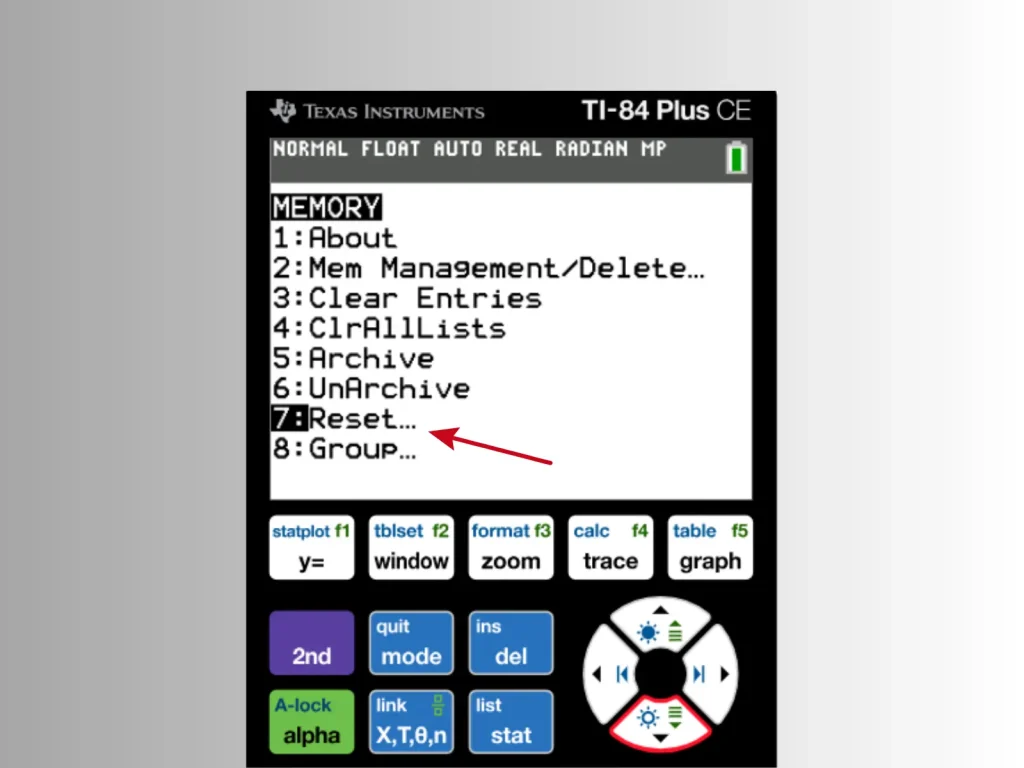
Before exams, your teachers will want you to delete old data and programs on your device. It’s also beneficial to boost your calculator speed because old data can slow its working. For doing this, you need to press the 2nd button, then +, and after that 7, and choose reset RAM to clear old data and programs.
Adjust Contrast
To use your helpful emulator more effectively, you should see its screen clearly. So adjusting screen contrast can help you in avoiding mistakes. You can adjust it according to the lighting in the exam room and also according to your eyesight needs.
For adjusting contrast, you need to press the 2nd button and ‘ij’ or ‘`’ to control the brightness of the screen.
Using the TI-84 Calculator in the SAT Exams
In SAT exams, you will be allowed to use the TI-84 only during the math section. That’s why it’s really important to use it effectively so you will get maximum help from it during the short time of the math section. Following are some ways to use the TI-84 more effectively in less time:
Solving Algebraic Equations
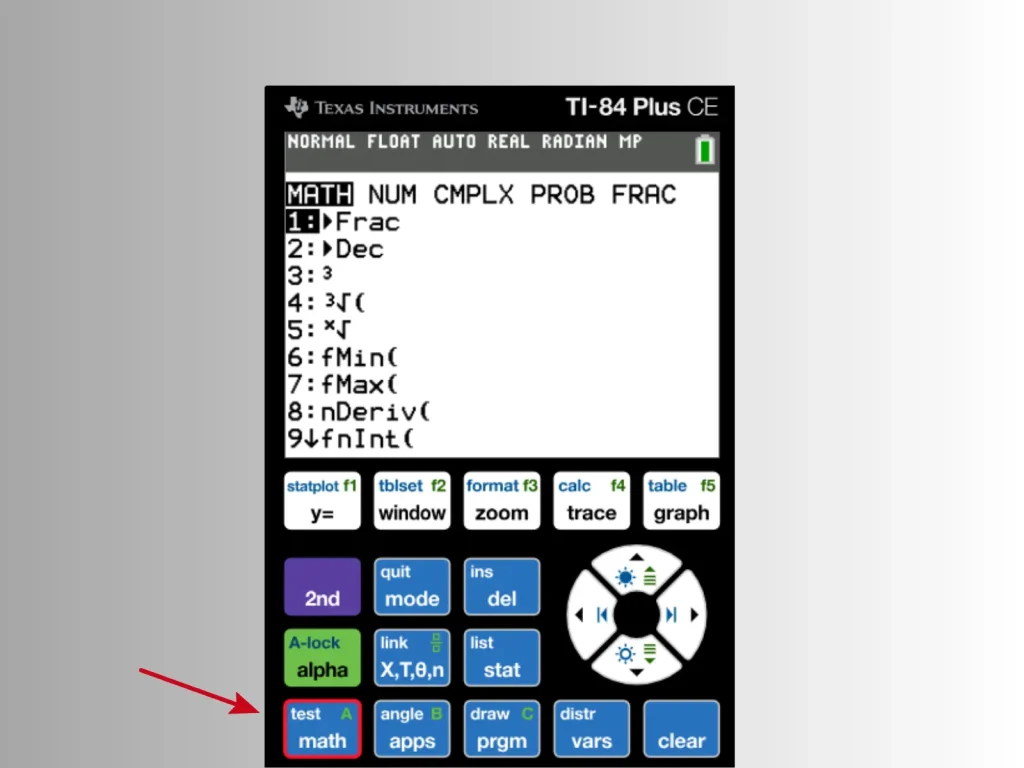
For solving algebraic equations quickly, you can use the Solver function that you will find under the Math menu. For example, if you want to find ×, just enter an equation like 3x + 7 = 20, and this calculator will find x instantly.
Graphing Functions
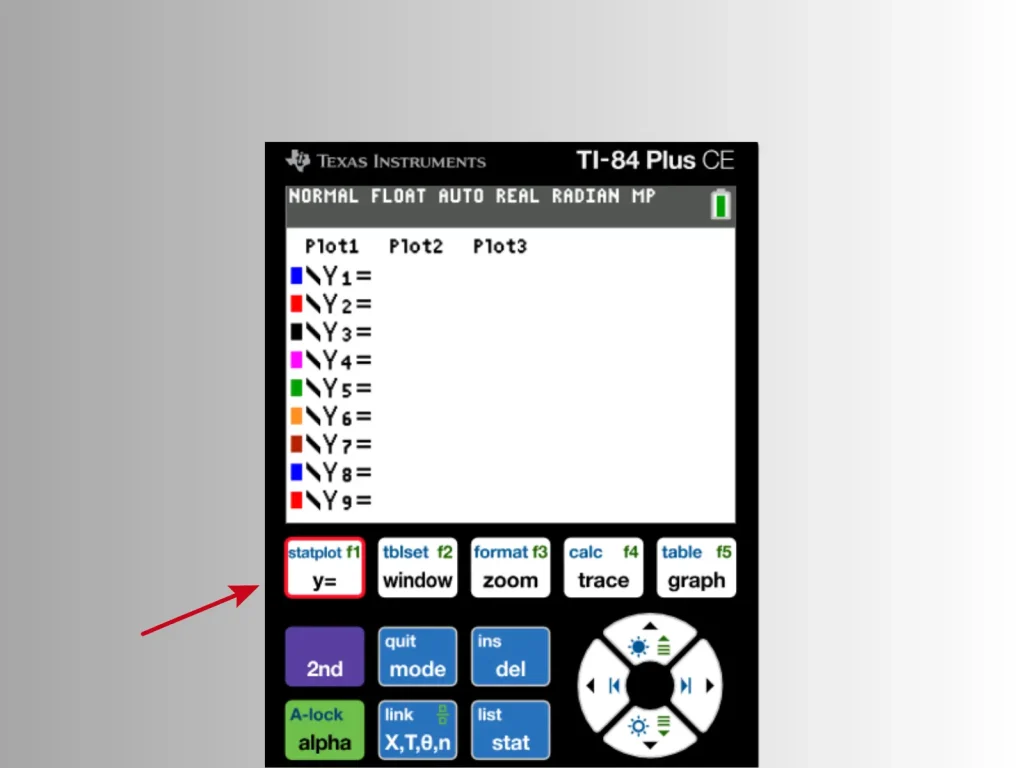
If you have some quadratics, parabolas, or systems of equations in your exam, then use graph and trace functions to visualize intersections and roots of complex graph functions. For this you press Y=, then enter the equation, press Graph, and use Trace to find points.
Handling Statistics & Data Sets
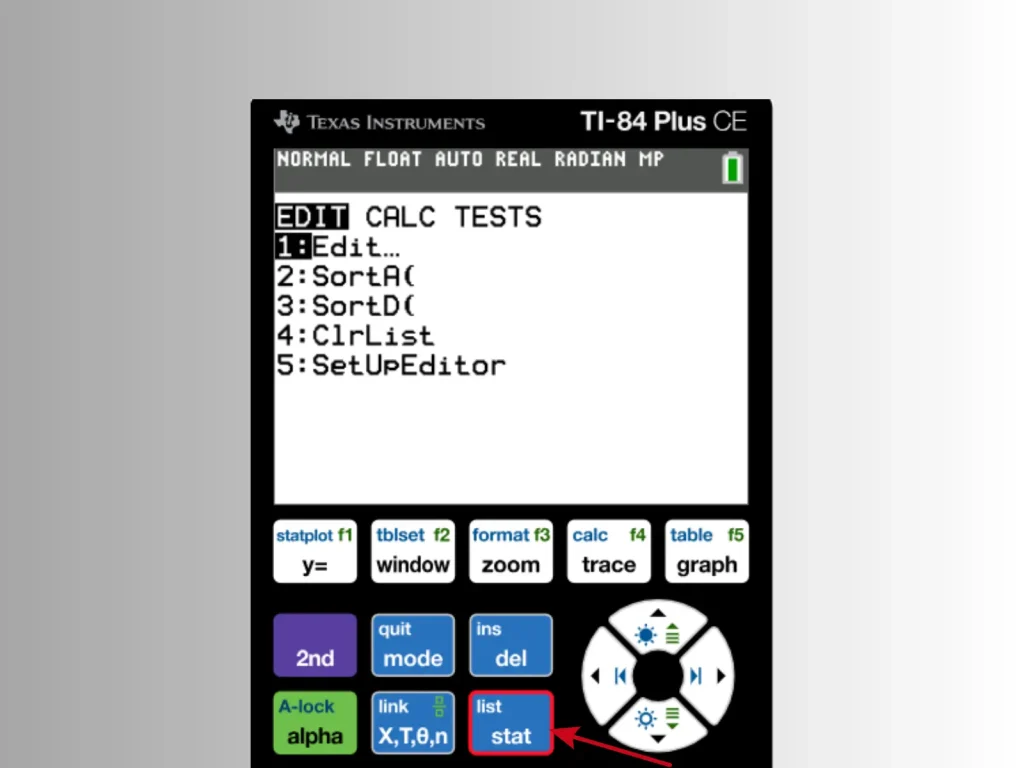
If you find data analysis questions in your paper, then use the TI-84 STAT function because it can calculate mean, median, standard deviation, and regression lines in seconds.
Using the TI-84 Calculator in ACT Exams
In the ACT exam you will be allowed to use the TI-84 calculator throughout the math section. It means you will have more time to use this tool and get help.
But knowing how to use it to get full benefits still applies. Below are some ways to use this device in a more effective way:
Store and Recall Variables
To solve geometry and algebraic problems quickly in exams, you can store some of the values that you think will be repeated variables and can be used for later calculations.
Use Table Mode for Function Values
During the paper, if you want to check values of functions or test which is the more suitable answer, you can press 2nd and then the GRAPH button to access table mode, which is really useful for function values. It can help you check values quickly.
Utilize Graph Intersections
If there are systems of equations or inequalities in the exam, then you can use the 2nd, then TRACE button, and after that INTERSECT to find two points where they meet.
Practice with TI-84 Calculator Online
It’s not like you can adopt all these quick steps to use the TI-84 effectively in only one day because for this you need to do regular practice. So working regularly with your calculator will be helpful to master it. If you don’t have your physical device for now, you can still practice all this by using our web-based TI-84 calculator online that is exactly like the physical one. You can explore and practice all its functions and features to master its usage.
The online TI-84 calculator is a perfect simulator to help students to do calculations more easily any time, anywhere.
Stop Doing These Mistakes during Exams
When you are cautious about what to do, then you also need to know what not to do during your SAT and ACT exams. Following are some mistakes you should avoid that students usually make:
- Never forget to put your calculator on degree mode.
- Don’t add parentheses incorrectly because it can lead to errors or wrong results.
- Never misinterpret negative signs.
- Don’t leave your TI-84 in radian mode after solving trigonometry.
We recommend you double-check all these before the day of exams.
Conclusion
This helping tool is something that you can carry with yourself in the examination hall to speed things up, but knowing how to use TI-84 calculator in the SAT or ACT effectively will mark your success surely and boldly.